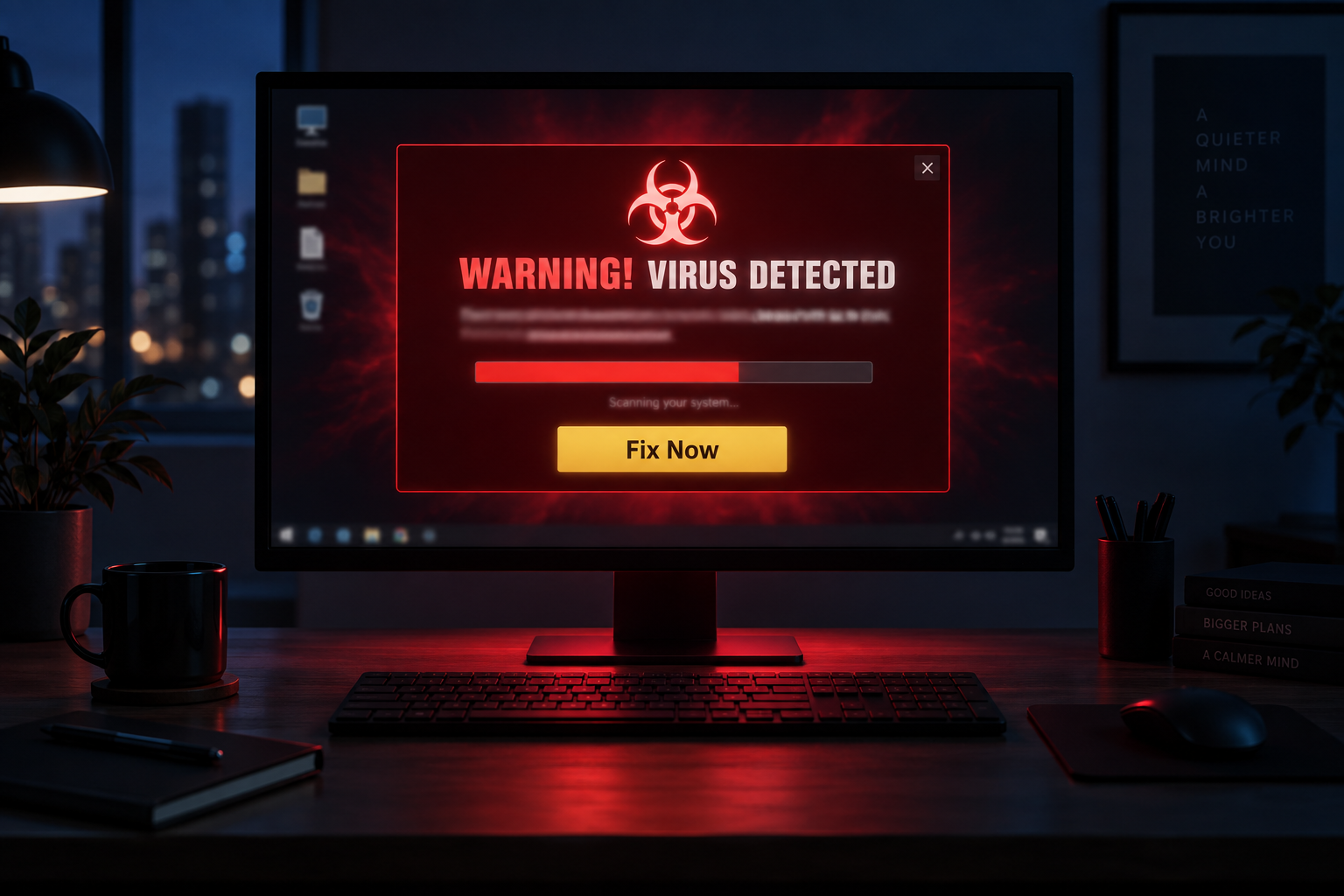
A pop-up appears while you are browsing. It claims a scan just found 27 viruses on your computer and starts a countdown: clean your system now or risk losing your files.
Your machine was fine a minute ago. That alarm is the attack. Scareware is built to make people act before they think, and it still works on home users, small business owners, and IT pros who know better.
Here is the good news: scareware follows a script. Once you can see the pattern, it loses most of its power. This post covers what scareware is, why it still tricks people, real examples from FTC enforcement cases, and what to do the next time a warning like this lands on your screen.
What Is Scareware?
Scareware is a social engineering attack that uses fake security warnings to scare people into downloading malware, paying for useless software, or handing over personal information. It usually shows up as an urgent pop-up claiming your device is infected, followed by an offer to fix the problem. That offer either does nothing or installs real threats.
IBM describes the classic pattern: a spoofed text, a phishing email, or a browser pop-up warns you about a virus, then offers a solution. The message may borrow real company logos, use product names that sound almost legitimate, or show fake scan results claiming five viruses were found on your device.
Scareware spreads through a few common channels: pop-up ads on shady sites, malicious ads placed on mainstream websites, and spam email. Fortinet lists pop-ups and spam email as the two main distribution methods. The email version usually carries an urgent warning and a link to download “security” software.
If you take the bait, a few things can happen. You might pay for software that does nothing. You might hand your card details to a fake storefront and end up dealing with identity theft. Or you might install a Trojan that carries spyware or ransomware. IBM also notes that some scareware pop-ups are built so that clicking the close button itself triggers a hidden download.
Why Is Scareware Important?
Scareware targets judgment, not machines. An attacker needs no exploit when the victim installs the malicious software themselves.
The money involved is real. In a case filed in 2008, the FTC said a scheme run through Innovative Marketing tricked more than one million consumers into buying programs like WinFixer, Drive Cleaner, and Antivirus XP for $40 to $60 each. One defendant later agreed to turn over $8 million to settle the charges. In 2024, the FTC announced a $26 million settlement with Restoro and Reimage, two tech support firms the agency said used fake Microsoft Windows pop-ups to scare consumers, older adults in particular, into paying for repairs they did not need.
The payloads got worse over time. IBM points out that early scareware scams mostly sold worthless bloatware, but today scareware serves as an opening for ransomware and spyware.
For a business, the risk is one panicked click away. An employee who enters card details or installs a “fix” on a work computer can turn a fake alert into a real incident: stolen credentials, spyware on the network, or a device that needs a full rebuild.
Real Examples of Scareware
The classic fake scan. A pop-up shows a progress bar “scanning” your machine, then lists dozens of threats. It uses flashing colors and phrases like “Virus Detected!” or “Immediate Action Required!” Malwarebytes points out the signs that separate these from real warnings: aggressive language, windows that resist being closed, and branding that looks almost, but not quite, right.
The fake Microsoft alert. The Restoro and Reimage scheme relied on realistic Windows pop-up screens that scared people into buying computer repair services, according to the FTC.
The banner ad blitz. The Innovative Marketing operation placed deceptive ads on popular websites. Their “system scans” always found dangerous files, then urged consumers to buy a $40 to $60 cleanup tool. The FTC said the fake scans even claimed to find illegal content on consumers’ computers to raise the pressure.
Fake ransomware. Some scareware tells victims their files are encrypted and demands payment. Nothing was ever encrypted. The attackers bet that fear alone will open wallets.
The email version. Scareware also arrives by spam or phishing email, with urgent warnings and links that lead to fake downloads or a phone number for a bogus support line.
Tips and Reminders for Scareware
- Treat urgency as the red flag. Real security software informs you. It does not threaten you with countdowns or legal action.
- Do not click anything inside the pop-up. Not Cancel, not the X. Some are built so those buttons install the malware for you. Close the browser tab instead, or force-quit the browser.
- Never pay from a warning screen. No legitimate vendor sells a fix through an unexpected alert.
- Run reputable security software and keep it updated. Good tools block scareware downloads before they start.
- Turn on your browser’s pop-up blocker. It will not catch everything, but it removes most of the stage these scams perform on.
- Be careful with free downloads. If you do not recognize the vendor, research it before installing.
- If someone fell for it: run a full scan with real security software, contact the bank if card details were entered, change passwords if they were typed anywhere, and tell IT right away if it happened on a work device. Fast reporting turns an incident into a footnote.
Scareware has been around for decades because panic is reliable. The defense is unglamorous: pause, do not click anything in the pop-up, and check on your own terms. Anyone on your team who learns that pattern, from reception to the server room, makes the whole network harder to scam.
Call to Action
Not sure your team would spot a scareware pop-up before it becomes an incident? Digital Solutions of Chillicothe can review your security setup, train your users, and back you up when something slips through. Reach out and let’s make your technology easier to trust.