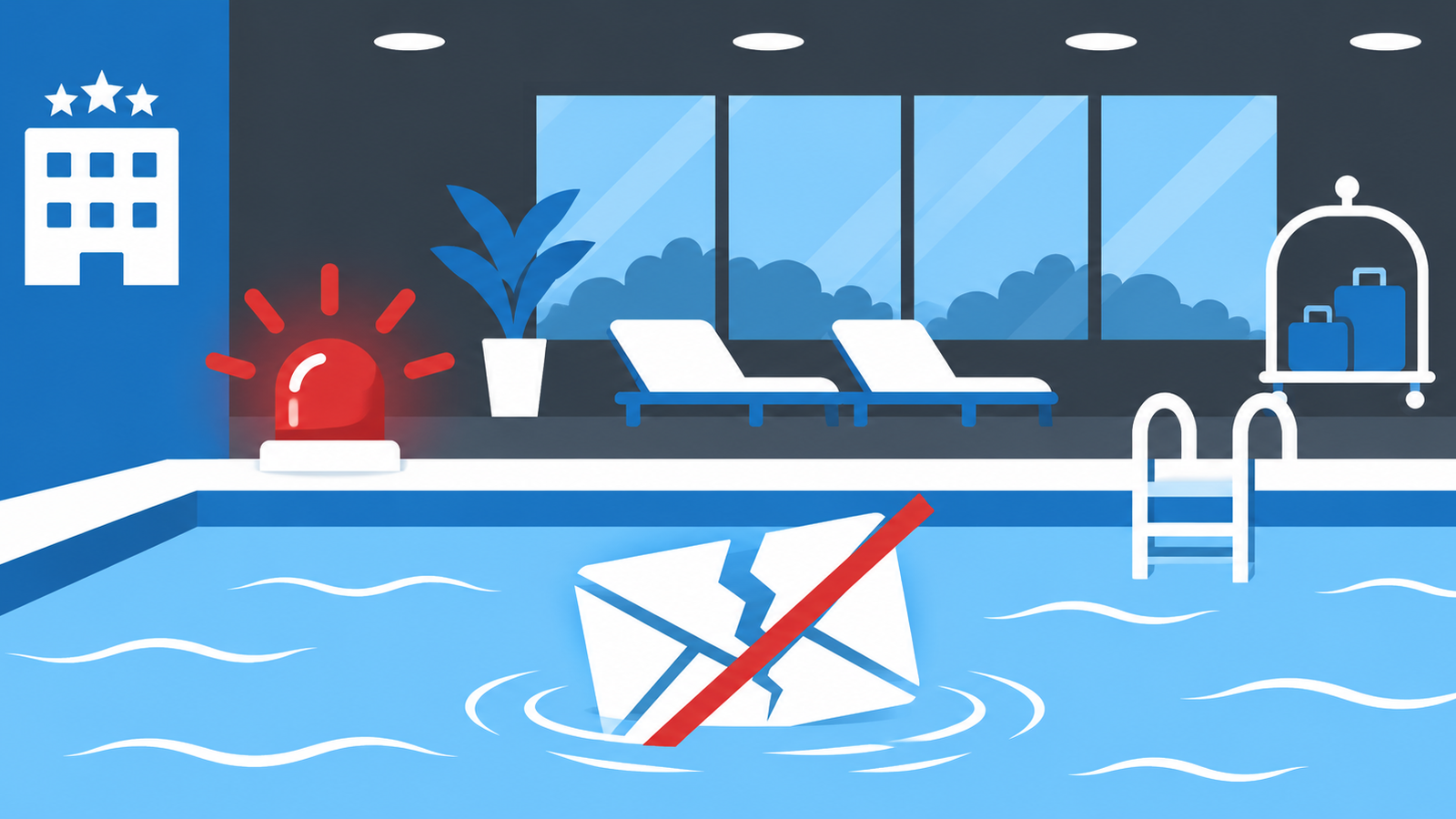
A pool dosing pump pushed too much chlorine into a hotel pool. The safety system that should have caught it did its job — it raised a warning. That warning was an email, and during Microsoft’s November cloud outage, the email never arrived.
Fifteen guests at the Hotel Ling Bao in Brühl, Germany were triaged for chlorine gas exposure and four went to the hospital. The system did not fail because nobody reacted. It failed because the warning traveled on a single channel that could go quiet. If your monitoring alerts, backup warnings, or building alarms reach you by email only, the same single point of failure is probably sitting in your stack right now.
The fix is not exotic: layered alert channels, acknowledgment with escalation, and equipment that keeps protecting people when the network dies. Here is what happened, what Microsoft’s own investigation found, and six steps you can take this week.
What Happened
On the afternoon of Friday, November 13, the automatic dosing system at the Hotel Ling Bao pool — part of the Phantasialand theme park in Brühl, Germany — pumped too much chlorine into the water. Inspections by the fire department later confirmed a defect in the dosing system itself.
The sauna area’s maintenance safety system reacted the way it was designed to. It raised an alarm. That alarm was an email, and Phantasialand told the broadcaster WDR that the mail never arrived during the Microsoft disruption. Nobody saw the warning.
Guests reported respiratory irritation after visiting the pool. About 40 first responders arrived. Thirteen people reported symptoms at first, and the total rose to 15. Four were taken to the hospital — an early report of five was corrected — and one remained for observation with a moderate injury. The pool was closed and its water replaced, and it has since reopened.
What’s Happening Now
The incident fell in the middle of a Microsoft outage that ran from November 12 to 14 and hit Outlook and Exchange Online hardest. Services were fully restored by the morning of November 14, but the disruption touched airlines, rail operators, hotels, and government agencies in more than 70 countries. Roughly 430 million people use Microsoft 365.
Microsoft’s post-incident analysis stacks three problems on top of each other: a defect in its cloud gateway servers — shipped in a change back in July — that made them unresponsive under certain load, with more than 80 percent of gateway servers down at peak; a traffic-routing change that pushed still more load onto those servers; and planned maintenance that cut gateway capacity by 14 percent. Microsoft says the event was not a cyberattack and not the work of AI agents, and it has since added gateway capacity, longer email retry windows, and extra monitoring.
Responsibility for the injuries is its own question, and a cybersecurity architect quoted by WDR put it plainly: the fault sits with the facility’s setup, not with Microsoft. In his view, a warning system meant to protect people should never depend on a single email inbox — a second signaling mechanism, such as an audible alarm, should have been built in as well.
What This Means for You
Three lessons fall out of this one, and none of them require running a pool.
Email is a best-effort service, not a delivery guarantee. It has no receipt and no acknowledgment. When safety-critical alerts travel by email, silence and success look identical from the sender’s side.
An alert nobody receives is just a log entry. The monitoring system at the hotel worked as designed — it raised the alarm on time. The design was the problem.
And a warning channel that can die quietly turns protective equipment fail-dangerous. The dosing system kept running while its only link to human help was down. WDR visited a nearby thermal spa for contrast: staff test the water three times a day, and the alarm is a red lamp on the wall that everyone in the room can see. That lamp does not care what a cloud is doing.
What You Can Do Now
- Give every safety-critical alert a second, independent channel. An SMS, a phone call, or a push notification from a provider that does not share a parent company with your email host. If an alert matters, it needs at least two ways out.
- Require acknowledgment. Someone should confirm receipt of an urgent alert, and if nobody does within 15 minutes, the system should escalate to the next person on its own.
- Add a heartbeat to quiet systems. A monitor that only speaks when something is wrong cannot tell you when it has stopped working. Have it say “I am alive” on a schedule.
- Keep a local backstop for physical equipment. Dosing pumps, coolers and freezers, HVAC, water treatment, UPS units — give each an audible alarm or a warning lamp on site, wired so it works even when the internet does not.
- Test the chain end to end. Inject a test condition once a month and confirm the message lands on a phone someone carries, not just in a dashboard nobody opens.
- Track vendor status through an outside channel. A status page is a postcard from the past; it will never arrive before the outage does.
You do not need a chlorine dosing system to face this risk. Email-only alerting hides in most small business stacks: failed backup jobs, full disks, expiring certificates, offline servers, door sensors. A German hotel pool is just the version that made the news.
Need help making sense of your IT setup? Digital Solutions of Chillicothe can help you plan, secure, and support your technology without making it harder than it needs to be.