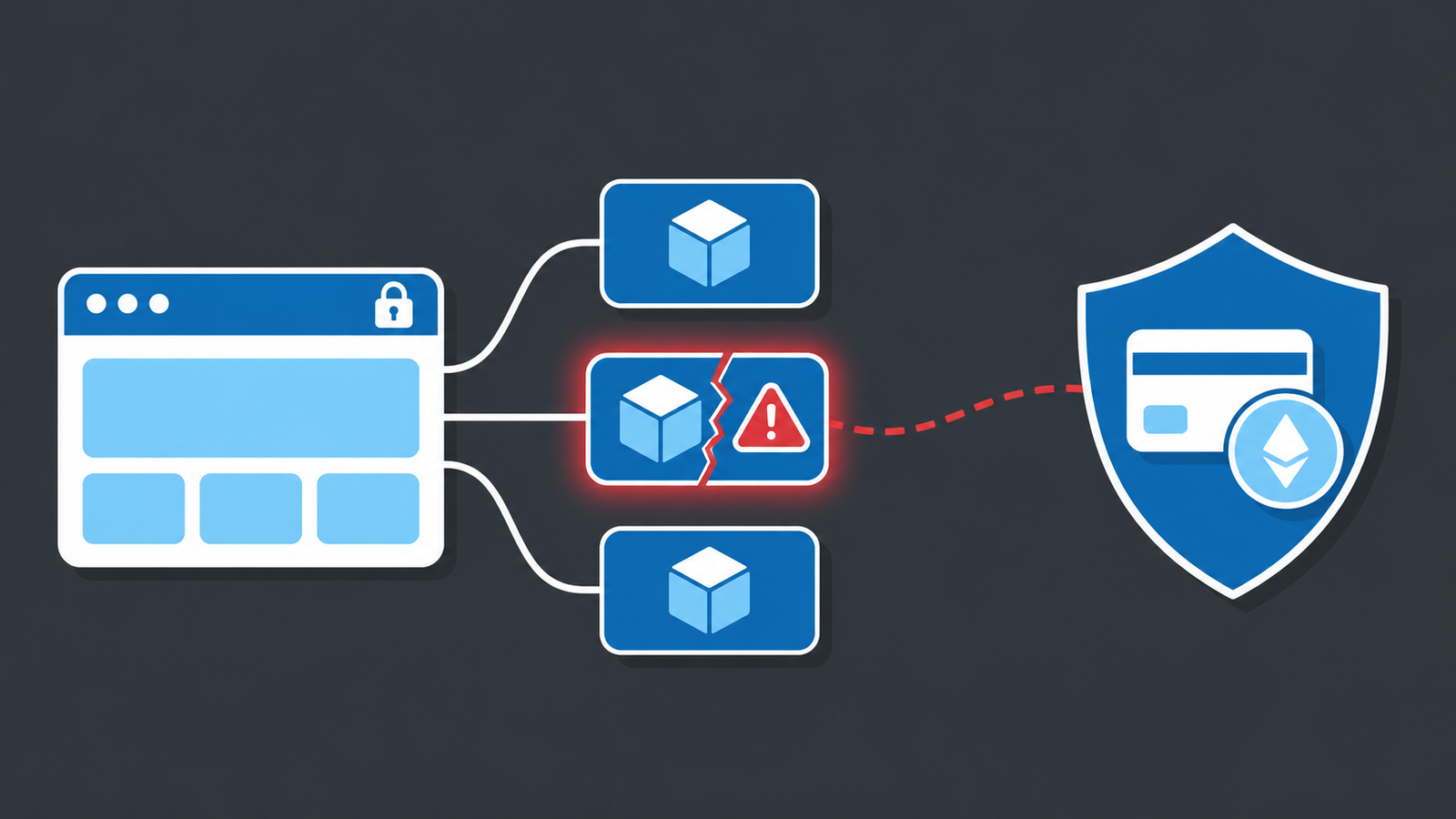
On November 16, a single script tag did what script tags are capable of: it turned a trusted content network into a delivery van for malware. Visitors to Zoom, the BBC, CNN, Salesforce, GitLab, IKEA, HSBC, Equifax and 170 more sites received code that swapped crypto addresses, skimmed payment cards and tried to exploit iPhones and iPads.
Nobody’s web server was breached. The malicious code came from Optimizely, the experimentation and personalization platform those organizations already pay for.
Here is what happened, what is still moving, and what to check on your own site this week.
What Happened
On November 16, 2026, Report URI found malicious JavaScript in Optimizely Web snippets belonging to 178 organizations. The team fetched 1,611 distinct snippets and found 188 infected files, keeping a copy of each with its SHA-256 hash and response headers as evidence.
The attack did not touch Optimizely’s delivery network in the way people assume. Optimizely Web works by having each customer load a file like https://cdn.optimizely.com/js/<id>.js. That file contains Optimizely’s code, the customer’s experiments, and an optional field called Project JavaScript where customers can paste their own code. The attacker wrote a loader into that field across many unrelated customer projects. Every other byte of the file was untouched, the response still carried Optimizely’s certificate, and it came from a host every affected site already trusted.
Three loader variants appeared:
- A plain script tag pointing at
https://1688360.cc/track.js - The same URL encoded in base64 and decoded with
atob(), so a text search for the domain finds nothing - A full inline copy of the payload that runs through
evalif the domain is blocked
Smartsheet’s file was cleaned once and re-infected with the base64 version, which means the attacker still had access during the cleanup.
The payload did four jobs at the same time. It replaced valid cryptocurrency addresses with the attacker’s in page text, form fields, links, images, the clipboard and outgoing requests. It watched form submissions for card numbers that pass a Luhn check and sent them off with sendBeacon.
It also forwarded readable cookies, the addresses it replaced and an html2canvas screenshot of the page. On iPhones and iPads it loaded an exploit chain, Coruna on iOS 13 through 17 and DarkSword on iOS 18.x, with pages on iOS 18.6 or earlier reloading every 60 seconds to retry.
By 19:25 UTC the attacker’s wallets held about $7,040 in BTC, LTC, TRON, ETH and BSC. Those funds were swept to exchanges at 13:03 UTC. The card numbers and cookies are a different story, because nobody but the attacker can count those.
The payload was rebuilt 26 times in one day.
What’s Happening Now
Cleanup moved fast once the finding went public. At 20:56 UTC, 169 snippets were still infected. By 21:52 UTC, only one was, belonging to TalkTalk.
Optimizely posted an incident notice at 01:02 UTC on November 17. The company said an unauthorized party exploited a vulnerability in Experimentation to add malicious JavaScript to customer projects, and that it fixed the vulnerability, removed the injected code, secured affected accounts and added protections against unauthorized code delivery.
Two details from that notice matter. First, the attack came through a product vulnerability, not a hijacked CDN or a poisoned cache. Second, Optimizely’s own properties were caught too: the snippets for www.optimizely.com and login.optimizely.com carried the code.
The open question is how the attacker got write access to so many unrelated customer projects. A compromised internal system, a credential with cross-customer reach, or something else entirely. That answer belongs to Optimizely, and until it arrives, every customer of every tag-driven platform should assume this pattern is repeatable.
This is also not a one-off. Report URI tied the same actor to an earlier wave between November 13 and 16 that pushed webshell.lol/get.js through Kissmetrics, StorifyMe and Minute Media scripts on sites including securitybank.com, faz.net, smh.com.au and foxsports.com. The infrastructure for this campaign traces back to September.
For visitors, the practical timeline is short. If you typed a card number into one of the affected sites on November 16, check the statement. If you copied a wallet address from any open tab that day, verify it before you send funds. If you carry an iPhone on iOS 18.6 or older, update it: the kits’ own notes say 18.7.3 and later are patched.
What This Means for You
Trust in a domain is not trust in the content. Your allowlist, your certificate and your CDN all did their jobs here. The file changed under a name you already approved. That is the whole attack.
Your compliance program already asks for this work. PCI DSS v4.x Requirements 6.4.3 and 11.6.1 require payment page scripts to be authorized, checked for integrity and monitored for tampering. They became mandatory on March 31, 2025. If a client asks whether your checkout page is covered, the honest answer depends on whether you can list every script that loads there.
Marketing owns the tags and security owns the risk. Between those two chairs sits a vendor list nobody has counted and a script nobody diffs. That gap is where skimmers live.
Nobody called these organizations. A researcher with a crawler found 178 compromised brands in a few hours. None of the affected companies detected it themselves. If your site runs the same class of platform, you have the same blind spot, and you are smaller than they are, which means fewer people looking.
What You Can Do Now
1. List the scripts on your money pages. Pull every tag that loads on checkout, account creation and any page with a payment form. If the list is longer than you expected, that is the finding.
2. Check your Optimizely project. If you run Optimizely Web, open each project and read the Project JavaScript field. If you did not write what is in there, treat it as an incident.
3. Turn on CSP reporting, then enforce it. Report-only first, collect violations for a week, then switch to enforcement. A policy will not stop code injected into an approved file, but it blocks the next hop, which is the load of the payload and the beacon that carries your data out.
4. Baseline your vendor files and diff them. Cheap and blunt:
curl -fsS https://cdn.optimizely.com/js/<id>.js | sha256sumRun it daily, keep the value, alert on change. A change is a review trigger, not a verdict, but it beats learning about an injection from a blog post.
5. Move card fields into hosted iframes. Cards typed into a provider’s own fields were out of reach of this skimmer. Cards typed into your form were not.
6. Reduce what reaches the browser. Server-side tag containers cut the number of vendor scripts running in your customers’ browsers. Fewer scripts, fewer ways in.
The event is contained. The pattern is not. A script on a trusted domain changed on a Monday and 178 organizations became distribution for someone else’s malware. The controls that would have shortened that window are the boring ones: an inventory, a hash baseline, a policy in enforcement mode and a way to turn a tag off.
Need help working out what is loading on your site and what to do about it? Digital Solutions of Chillicothe can help you plan, secure, and support your technology without making it harder than it needs to be.
Sources
- Report URI — World’s Largest Brands Infected With Malware Via Optimizely
- Optimizely Service Status — Web Experimentation Security Incident, Nov 17, 2026
- PCI SSC — Payment Page Security and Preventing E-Skimming (Mar 2025)
- TechTarget — Optimizely supply chain attack turns trusted scripts against 178 orgs
- OWASP — Third Party JavaScript Management Cheat Sheet